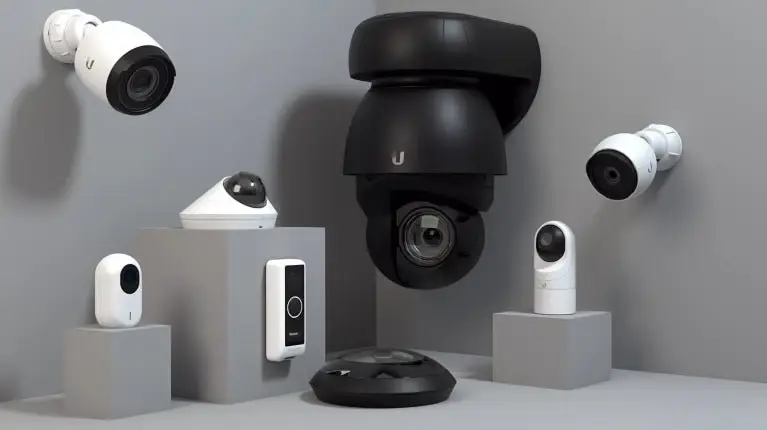
Keys get copied. Fobs get lost. And most “modern” access control systems solve that by charging you a monthly fee for every door, forever. UniFi Access from Ubiquiti takes a different path: keyless, mobile-friendly door entry that runs on hardware you own, with no per-door subscription. For NYC offices modernizing how people get in the door, it’s a rare combination of professional and affordable.
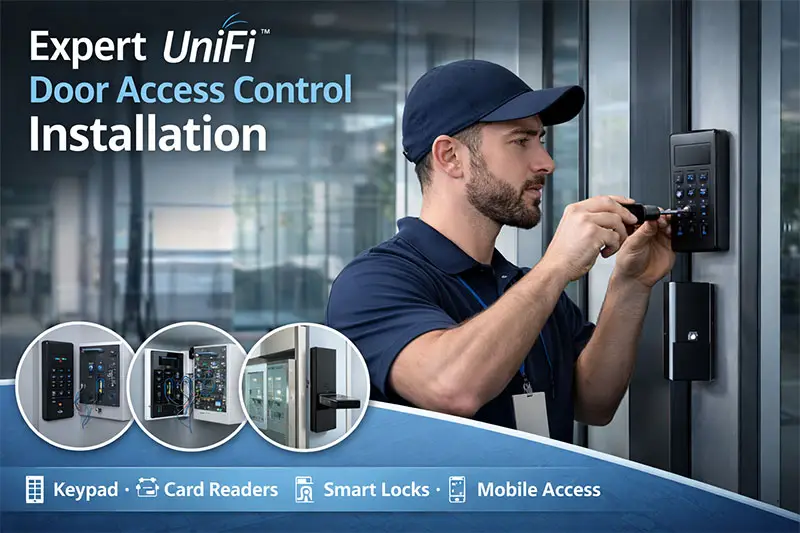
What is UniFi Access?
UniFi Access is Ubiquiti’s door access control platform. A hub at the door connects to readers and controls entry, all managed from the same UniFi console as your network and cameras. You provision credentials, set schedules, and pull audit logs from one place — and unlocking doesn’t depend on the cloud, so the door still works if the internet hiccups.
Ways your team can unlock the door
- Mobile tap or button — tap a phone to the reader or press a button in the app.
- NFC card — a tap credential for staff who prefer a badge.
- PIN code — keypad entry where a phone or card isn’t practical.
- Face unlock — scan at supported readers for hands-free entry.
Why NYC businesses choose UniFi Access
- No per-door licensing. The Access app runs on your existing UniFi console with no subscription fee — add doors without adding a monthly bill.
- You own the system. Credentials, schedules, and audit logs live on your hardware, not a vendor’s platform.
- It pairs with your cameras. Because Access and UniFi Protect share a console, an unlock event and its video are one click apart.
- Instant changes. Onboard or offboard staff in seconds — no rekeying locks, no collecting fobs.
UniFi Access vs subscription access systems
| UniFi Access | Subscription systems | |
|---|---|---|
| Ongoing cost | No per-door subscription | Monthly per-door fee, indefinitely |
| Cloud dependency | Unlocks work locally | Often cloud-dependent |
| Camera integration | Same console as UniFi Protect | Separate platform / add-on |
| Ownership | You own hardware & data | You rent access to the platform |
Keep your existing readers — retrofit, don’t rip out
If you already have wired readers, you may not need to start over. UniFi’s retrofit hub supports legacy Wiegand and OSDP readers, so your existing hardware can stay in place while you gain modern management — scheduling, audit logs, mobile credentials, and NFC enrollment — without rewiring the building. It’s the fastest way to modernize an older office’s entry.
The UniFi Access hardware we deploy
A UniFi Access deployment pairs a door hub with the right reader for each entry. Here’s the current hardware we typically spec for NYC offices.
| Component | Model | Best for |
|---|---|---|
| Door Hub | UA-Hub (~$199) | Controls the door — connects readers, locks, and sensors |
| Retrofit Hub | UA-Retrofit-Hub-2 | Keeps existing Wiegand/OSDP readers — no rewiring |
| Reader Pro | UA-G3-Pro | Main entrances & gates — NFC, intercom, mobile Touch Pass |
| Reader | UA-G3 | Interior doors & meeting rooms — affordable NFC / PIN |
| Reader Fingerprint | UA-G3-Fingerprint | High-security doors — fingerprint + keypad |
| Intercom | UA-G3-Intercom | External entries needing call/video without a full reader |
All of it runs on your existing UniFi console with no per-door subscription, and unlocks keep working even if the internet drops.
Access control shouldn’t come with a bill that grows every time you add a door — your entry system should be an asset you own, not a subscription you rent.
Solved IT Tweet
Modernize your NYC office entry
Solved IT designs, installs, and manages UniFi Access control and intercoms for offices across NYC, NJ, and CT — keyless and mobile entry, audit logging, and integration with your cameras, all on a system you own. Whether it’s a new office build-out or a retrofit of what you’ve got, we’ll make getting in the door simple and secure.
See where your current access and security stand with a free assessment.